What to Wear for AI Headshots in 2026: Colors, Layers, and Industry Tips
A practical wardrobe guide for AI headshots — what colors photograph well, what to wear when uploading selfies, and how to pick outfits by industry without looking overstyled or generic.
By SnapProHead Team
Most people treat wardrobe as a photographer problem. You show up in a blazer, they handle the rest. With AI headshots, the logic splits in two: what you wear in your upload selfies shapes how well the model learns your face — and the outfits in your finished gallery are generated on top of that foundation.
Get the first part wrong and you'll burn time sorting through results that look like a stranger in your clothes. Get it right and you can walk away with LinkedIn-ready portraits, team-page photos, and industry-specific looks without buying three new shirts or booking a stylist.
This guide is the wardrobe advice we wish every SnapProHead user read before uploading. It covers color, fabric, necklines, industry norms, and the AI-specific details that traditional headshot articles skip. For platform specs and cropping, see our LinkedIn profile picture guide. For tool comparisons, read best AI headshot generators in 2026.
Why what you wear still matters with AI
AI headshot tools don't invent you from scratch. They learn bone structure, skin tone, hairline, and expression from your uploads, then render new lighting, backgrounds, and clothing around that identity. Wardrobe affects both stages:
During upload: Busy patterns, harsh contrast, and undefined necklines make it harder for the model to map your shoulders and jaw consistently. Solid, fitted tops with clear collar lines give cleaner source data.
In your results: Most services — including SnapProHead — generate multiple outfit and background combinations. You still choose what reads as you for a given context: corporate navy for a finance bio, softer tones for a therapist profile, a warmer look for real estate.
The goal isn't fashion week. It's looking like the competent version of yourself on a normal workday — the person someone would expect to meet on a Zoom call or at a client lunch.
The colors that actually work on camera
After reviewing thousands of outputs across industries, the same palette keeps showing up in photos people actually use — not the ones they download and abandon.
Safe bets for almost everyone
| Color | Why it works | Best for |
|---|---|---|
| Navy blue | Reads trustworthy without feeling stiff; separates cleanly from light grey backgrounds | Corporate, legal, finance, consulting |
| Charcoal or deep grey | Neutral, modern, pairs with most skin tones | Tech, startups, executive roles |
| Deep teal or petrol blue | Same credibility as navy with slightly more personality | Marketing, healthcare, education |
| Burgundy or wine | Warm and approachable while still professional | Realtors, coaches, client-facing roles |
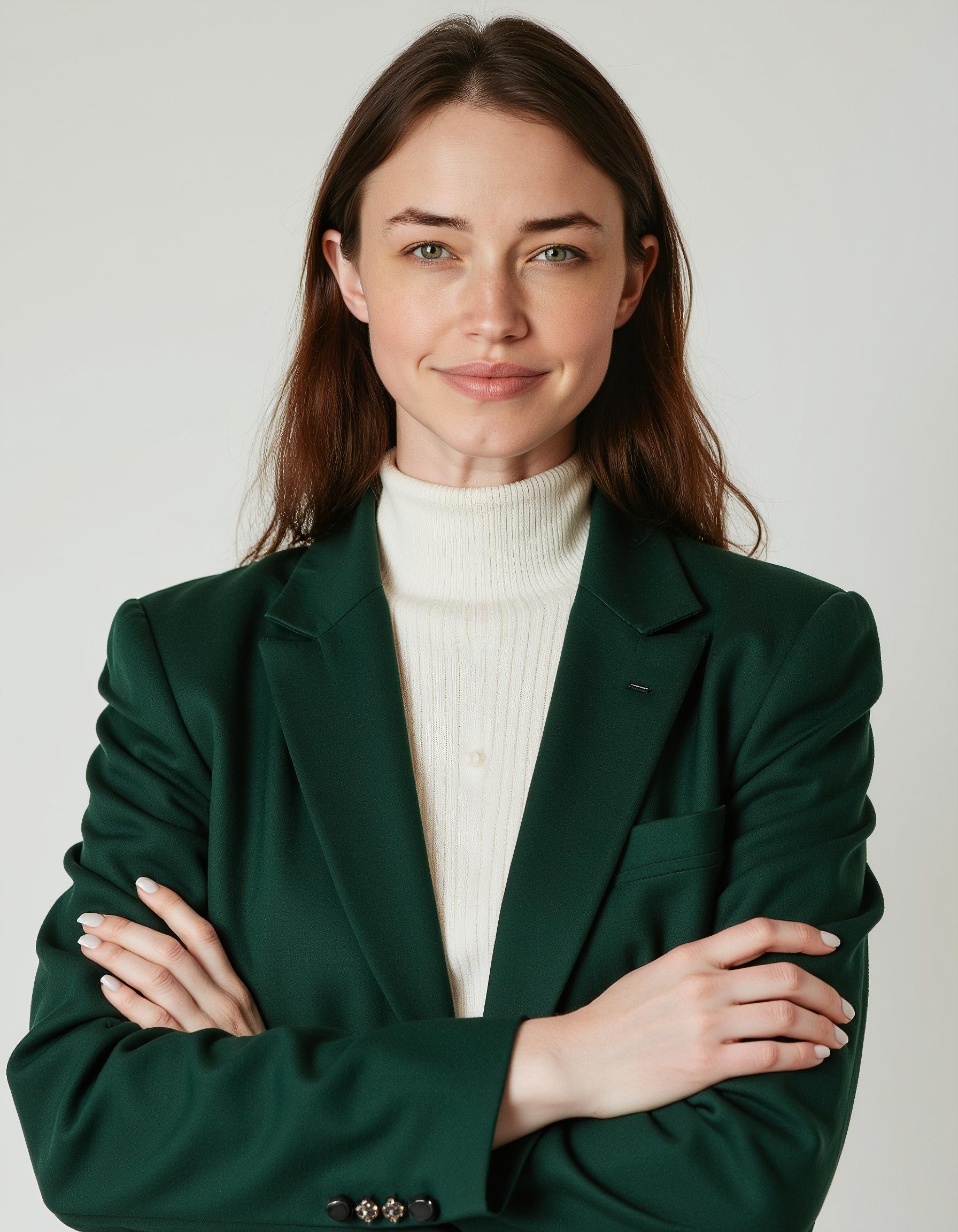
| Forest or hunter green | Grounded, calm; works well in wellness and education | Nurses, teachers, nonprofit leaders |
Colors that need extra care
Pure white can blow highlights under studio-style lighting — your collar disappears and your face looks flat. If white is your brand (medical coats, chef jackets), make sure your uploads have even light and consider a slightly off-white or cream shirt under a layer.
Pure black absorbs shadow. Against a dark generated background, you can get a "floating head" effect. Charcoal or very dark navy usually photographs better while looking equally formal.
Neon and saturated brights — hot pink, electric yellow, traffic-cone orange — cast color onto your skin in ways AI sometimes exaggerates. Fine for a creative portfolio shot; risky as your only LinkedIn option.
Match your undertone, not a trend list
Cool undertones (pink or blue cast in veins) tend to look good in sapphire, emerald, plum, and true navy. Warm undertones (green or olive cast) often shine in forest green, terracotta, camel, and teal. Neutral undertones have the most flexibility — if you're unsure, navy or soft grey is rarely a mistake.
The rule that matters more than undertone charts: your shirt should not be the same value as your background or your skin. If everything merges into one beige blob, recruiters scroll past. You want your face to be the brightest, clearest element in the frame.

What not to wear (for uploads and for final picks)
Patterns and logos
Fine stripes, tight checks, and micro-houndstooth can moiré on camera — wavy interference lines that look like a rendering glitch. AI can amplify that weirdness. Solid colors or very subtle texture (fine knit, light weave) are safer.
Logos, slogans, and team jerseys date your photo fast and distract from your face. If you're uploading selfies in a college hoodie, include a few in plain tops too.
Shiny and reflective fabrics
Satin, sequins, and glossy polyester create hot spots under softbox-style lighting. Matte cotton, cotton blends, and wool blends hold shape and absorb light evenly. Same logic applies when you pick from your AI gallery: a matte navy blazer beats a satin lapels situation every time.
Loud accessories
Statement earrings, chunky chains, and reflective glasses frames compete with your eyes — the one thing casting directors, recruiters, and clients actually stare at. One simple pair of studs or a plain watch is enough. If you wear glasses daily, keep them on in every upload photo so the model doesn't flip between versions of you.
Necklines that erase your jaw
Boat necks, oversized cowls, and deep plunging necklines can make your chin and jawline ambiguous in training photos. Crew necks, modest V-necks, and collared shirts give the model a clear shoulder line to work with. You don't need to look buttoned-up — just defined.
What to wear by industry
These aren't rigid uniforms. They're starting points that match what people in each field actually expect when they click your profile.
Corporate, legal, and finance
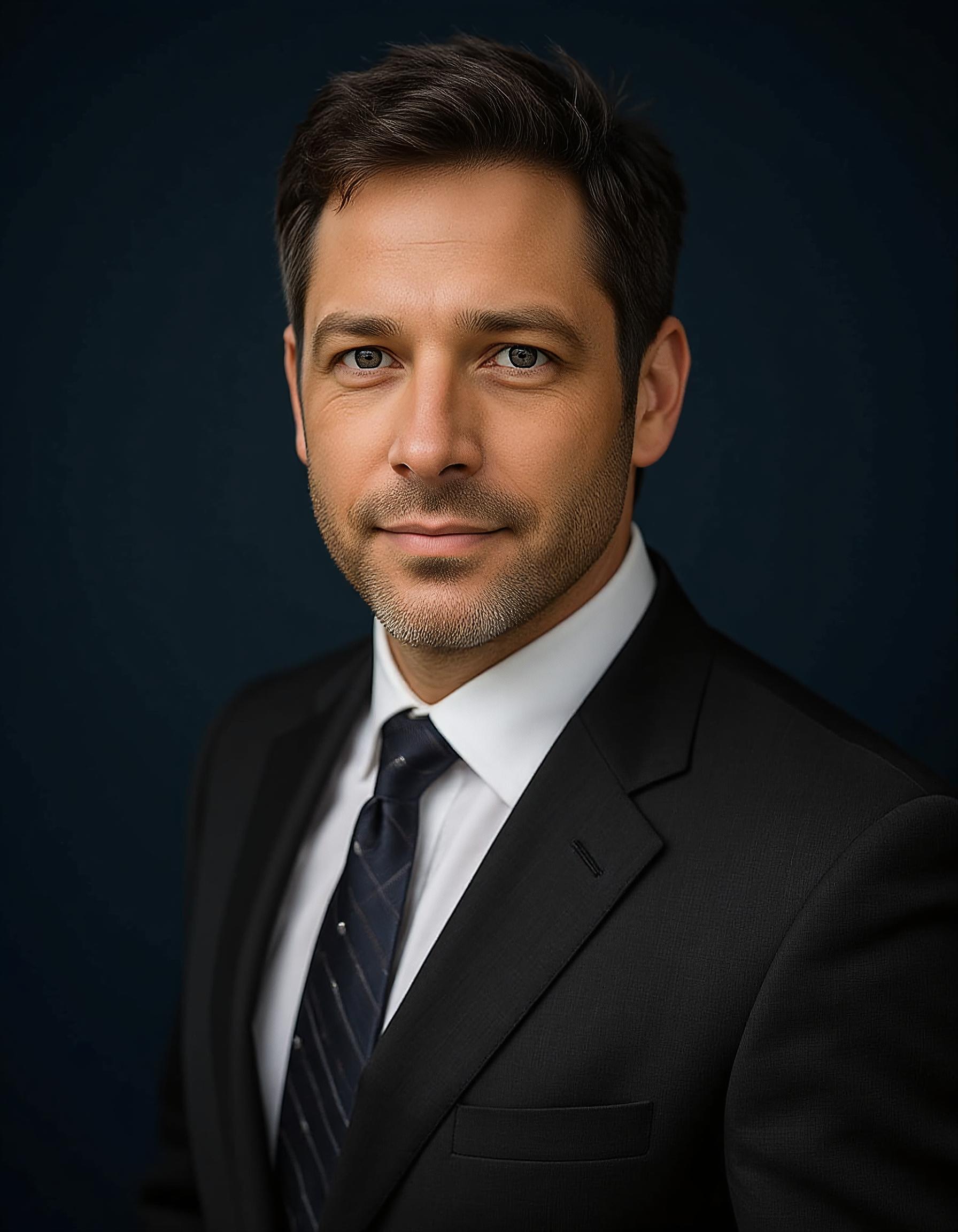
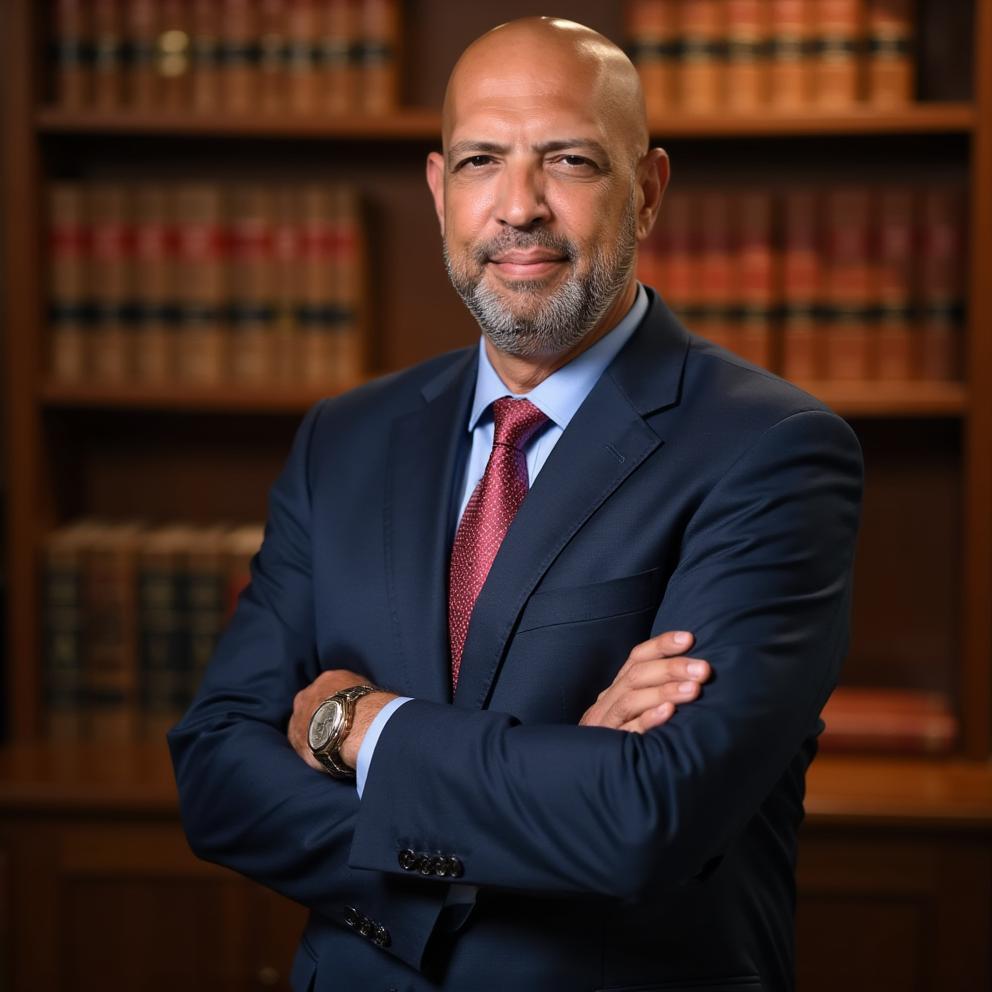
Think structured and restrained: navy or charcoal blazer, light blue or white shirt, minimal jewelry. Ties optional for legal and banking; many consultants skip them on LinkedIn and still look sharp. Our lawyer headshots and corporate headshots styles lean into this register.
Tech and startups
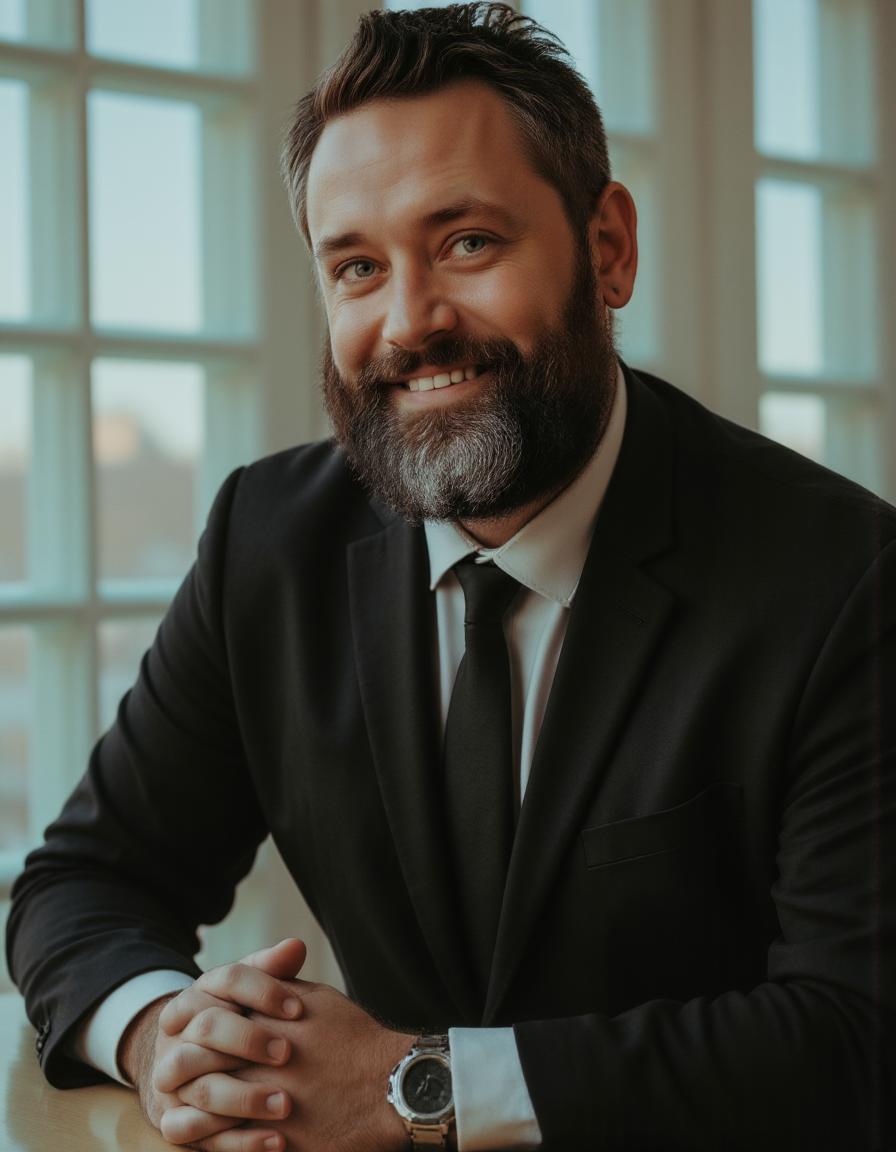
Smart casual wins here. A fitted Oxford shirt, plain tee under a lightweight jacket, or a clean sweater reads "builder" without cosplaying as a banker. Founders on startup headshots pages often pick one relaxed look and one slightly dressier option for investor decks.
Healthcare and education
Approachable neutrals — soft blue, sage, cream — with a clean collar or cardigan. White coats and scrubs are fine in uploads if that's your daily reality; include plain-top selfies too so the model sees your face without uniform bulk dominating the frame. See also our guides for doctors and teachers.
Real estate and client-facing sales
Warmth matters as much as authority. Burgundy, teal, or a friendly blue blazer often outperform stern charcoal on Zillow and Instagram. Genuine smile energy pairs well with lighter backgrounds. Our realtor guide goes deeper on channel-specific crops.
Creative, actors, and performers
You have more room to show range — but likeness beats drama. Casting platforms still want a face that matches the person who walks into the room. Use AI to explore commercial (warm, open) versus theatrical (grounded, serious) looks, not to invent a bone structure you don't have. Start from actor headshots if you need multiple moods in one batch.
What to wear when uploading selfies (the AI-specific part)
Traditional headshot guides assume a photographer adjusts lighting and asks you to rotate slightly. With AI, your camera roll is the studio. Here's what we've seen work consistently:
Wear at least two different solid tops
Rotate between a lighter and a darker solid — say, light blue and navy, or grey and forest green. That gives the model contrast references without pattern noise. All ten photos in the same black tee is better than nothing, but variety helps.
Keep grooming consistent
Same hairstyle, facial hair, and glasses choice across every upload. If you're planning a haircut next week, wait until after. Mixed signals produce mixed faces.
Include one "target look" selfie
Wear something close to how you want to appear professionally — blazer, collared shirt, simple blouse — in at least three photos. The AI uses posture and neckline from those shots when generating formal styles.
Avoid these upload mistakes
- Sunglasses or hats in most of the set (occasional hat OK only if you always wear one at work)
- Heavy beauty filters — they smooth away the texture the model needs
- Group photos cropped to your face
- Years-old images mixed with current ones after a major appearance change
SnapProHead asks for 4–10 clear selfies depending on your flow; more variety in angle beats more identical snaps. Stand near a window, shoulders angled slightly, expressions from neutral to a natural smile. Full upload tips live on our how-to page.
How to pick outfits from your AI gallery
Once your batch arrives — 45, 66, or 108 images depending on tier — don't stop at the first acceptable photo. Scan at thumbnail size first; that's how LinkedIn and casting sites display you.
For LinkedIn and job applications: Prioritize navy, grey, or soft blue with a neutral background. Expression should look like you'd answer a calendar invite, not like you're posing for a passport.
For company team pages: Match the vibe of existing colleagues. If everyone else wears blazers on a white backdrop, don't be the only person on a beach blur unless your brand is explicitly casual.
For email and Slack avatars: Slightly tighter crop, same outfit as LinkedIn if possible. Recognition beats variety here.
For print (business cards, yard signs): Pick the highest-resolution file with the simplest background and test a small print proof before committing to 500 cards.
If two photos tie, ask a colleague which one looks more like you in person. That five-second test beats staring at pixels alone.
Layers, jewelry, and glasses
Layers — blazer over shirt, cardigan over blouse — add depth and make AI-generated formal looks feel three-dimensional. A single flat t-shirt can read casual even when the background says "studio."
Jewelry — small and matte. If you never wear earrings on client calls, skip them in your hero headshot.
Glasses — non-negotiable consistency. Anti-reflective coating helps if you're shooting near a window. Avoid tilting your head so much that frames cover your eyes.
Makeup and grooming — slightly more definition than a grocery run, less than a night out. Matte skin reads better than heavy shimmer under generated studio light.
Quick wardrobe checklist before you upload
- 4–10 selfies, mix of straight-on and slight three-quarter angles
- At least two solid-color tops (light + dark)
- One business-appropriate layer in several shots
- No sunglasses; glasses consistent if you wear them
- No filters; recent photos only
- Neckline visible; shoulders not lost in oversized fabric
- Window light or soft daylight; no harsh ceiling-only lighting
Print this mentally, not literally — but run through it once before you pay for a pack.
Frequently asked questions
Should I buy new clothes for AI headshots?
Usually no. The best outfit is one you already own that fits well and matches your professional context. If your only options are a faded graphic tee or a ten-year-old suit that doesn't fit, one new solid shirt in navy or grey is a reasonable investment — still cheaper than a photographer session.
Can the AI put me in a suit if I only upload t-shirts?
Yes, most tools generate formal wardrobe from casual inputs. Better neckline and shoulder definition in your uploads still improve how those generated blazers sit. Upload at least a few photos in a collared shirt or structured top if you need corporate outputs.
What if my company has brand colors?
Pick a generated background or shirt tone that echoes your brand without matching it exactly. Teal brand accent → navy or deep teal top on a light grey background reads coordinated without looking like a mascot.
Is all-black ever okay?
It can work for creative or executive editorial looks with a light background and strong separation between hair and backdrop. For default LinkedIn use, charcoal or navy is easier to get right.
Do I need different outfits for different platforms?
One strong primary headshot is enough for most people. Optional second look if you split time between corporate (formal) and creative (slightly relaxed) audiences. AI packs give you the volume to split without a second shoot.
How often should I refresh wardrobe in my headshot?
Refresh when you change — new role, new industry, significant hair or glasses update, or every 2–3 years as a baseline. AI makes interim refreshes cheap enough that there's no reason to keep a pre-pandemic blazer on your profile.
Bottom line
The best wardrobe for AI headshots is boring in a good way: solid mid-tone colors, clean necklines, matte fabric, and consistency across your uploads. Navy and charcoal still win for corporate trust; teal and burgundy add warmth for client-facing roles; creatives and performers can push further as long as the face stays honest.
You don't need a closet full of options — you need a handful of clear selfies and a sharp eye when the gallery lands. Create your headshots with SnapProHead, upload with this checklist in mind, and pick the look that matches the room you're trying to enter. The right photo won't get you the job or the role on its own, but the wrong outfit in the thumbnail can stop the conversation before it starts.
Read next
SnapProHead vs Aragon AI: Honest 2026 Comparison (Price, Speed & Quality)
SnapProHead vs Aragon AI side-by-side — compare pricing, turnaround time, image quality, privacy, and value per dollar. Find which AI headshot tool fits your needs.
Read article
AI Headshots vs Professional Photographer in 2026: An Honest Comparison
AI headshots vs studio photography — real cost, turnaround, quality, and privacy tradeoffs in 2026. When to pay $29 for AI, when to book a photographer, and what recruiters actually notice.
Read article