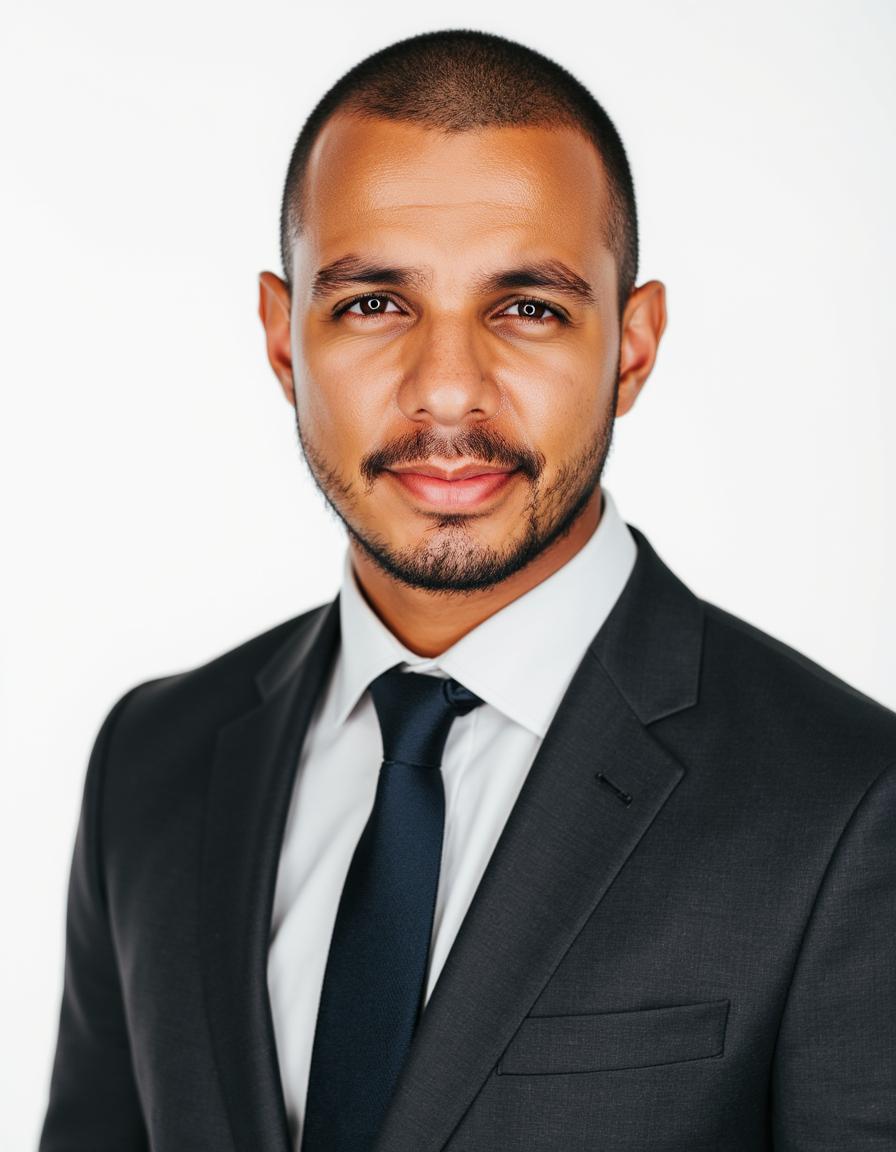
AI Headshots vs Professional Photographer in 2026: An Honest Comparison
AI headshots vs studio photography — real cost, turnaround, quality, and privacy tradeoffs in 2026. When to pay $29 for AI, when to book a photographer, and what recruiters actually notice.
By SnapProHead Team
Someone messages us every week with the same question: "Should I just use AI, or do I need a real photographer?"
There is no universal answer — and anyone who tells you AI always wins, or always loses, is selling something. We run SnapProHead, so we have a stake in this conversation. We will still tell you when a photographer is the better call.
This guide compares AI headshots and professional studio photography on cost, speed, quality, privacy, and how each reads on LinkedIn and company websites in 2026. For tool-by-tool AI comparisons, see our best AI headshot generators roundup. For wardrobe and upload tips, read what to wear for AI headshots.
The short answer
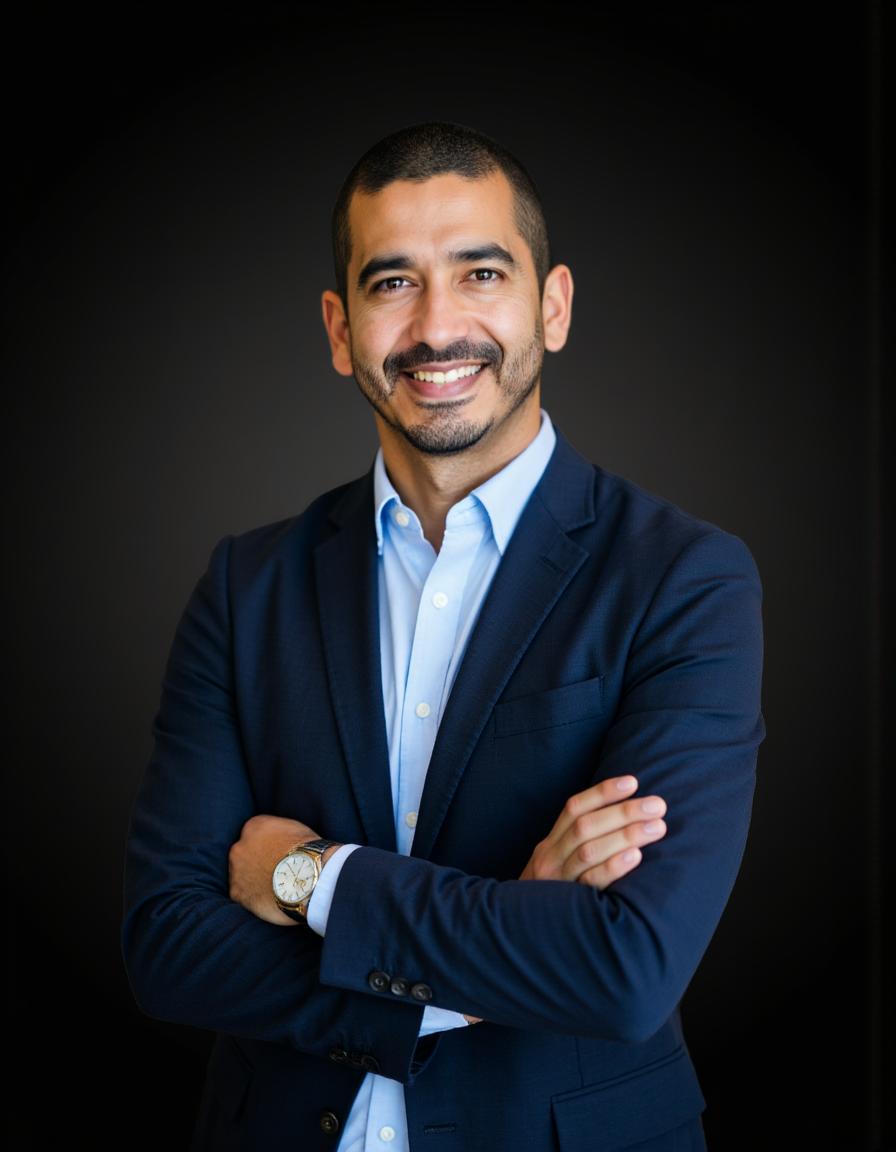
Choose AI headshots when you need many options fast, you are job hunting or refreshing a solo profile, you work remotely, or your budget is under ~$75.
Choose a photographer when you need print-resolution campaign assets, your company is doing a coordinated rebrand, you strongly dislike being photographed, or your role depends on in-person trust signals (some executive, press, and luxury sales contexts).
Many professionals do both over time: AI for LinkedIn, Slack, and rapid updates; a photographer once every few years for annual reports or speaking bios.
What you are actually paying for
A professional headshot session is not just "a photo." You are buying:
- A photographer's eye for light, angle, and expression coaching
- Retouching tuned by a human who can say "that shadow looks wrong"
- A controlled environment (studio or on-location setup)
- Often 5–15 final selects, not hundreds
An AI headshot pack is a different product:
- A model trained on your selfies to learn your face
- Dozens or hundreds of generated variations in preset outfits and backgrounds
- Automated delivery in minutes, not days
- A price point closer to a nice dinner than a half-day shoot
Neither replaces the other completely. They solve overlapping but not identical problems.
Cost comparison (2026, United States)
Prices vary by city and photographer reputation. These ranges reflect what solo professionals commonly pay in 2026:
| AI headshots (SnapProHead) | Professional photographer | |
|---|---|---|
| Entry price | From $29 (Basic) | $150–$350 session (many markets) |
| Mid tier | $39 (Professional) / $59 (Executive) | $350–$600+ with premium retouching |
| Photos delivered | 40–100+ HD images per pack | Often 5–15 retouched selects |
| Outfits / backgrounds | Multiple preset combinations per tier | 1–2 looks per session unless you pay extra |
| Retakes | New pack purchase; some services offer redos | Often included or discounted within 30 days |
| Hidden costs | None typical | Travel, makeup artist, rush fees, extra looks |
The math most people skip
Divide total cost by usable photos, not promised "styles."
- $29 for 40 headshots ≈ $0.73 per image if you use the full batch
- $300 for 8 retouched photos ≈ $37.50 per image
AI looks expensive per session only if you ignore volume. Photography looks expensive per image only if you ignore the human craft.
For a job seeker who needs one great LinkedIn photo plus a few backups, AI economics are hard to beat. For a law firm partnership page where eight partners need matching lighting and identical backdrop specs, a photographer may be cheaper per person at scale — especially if they offer team rates.
Speed and scheduling
AI headshots
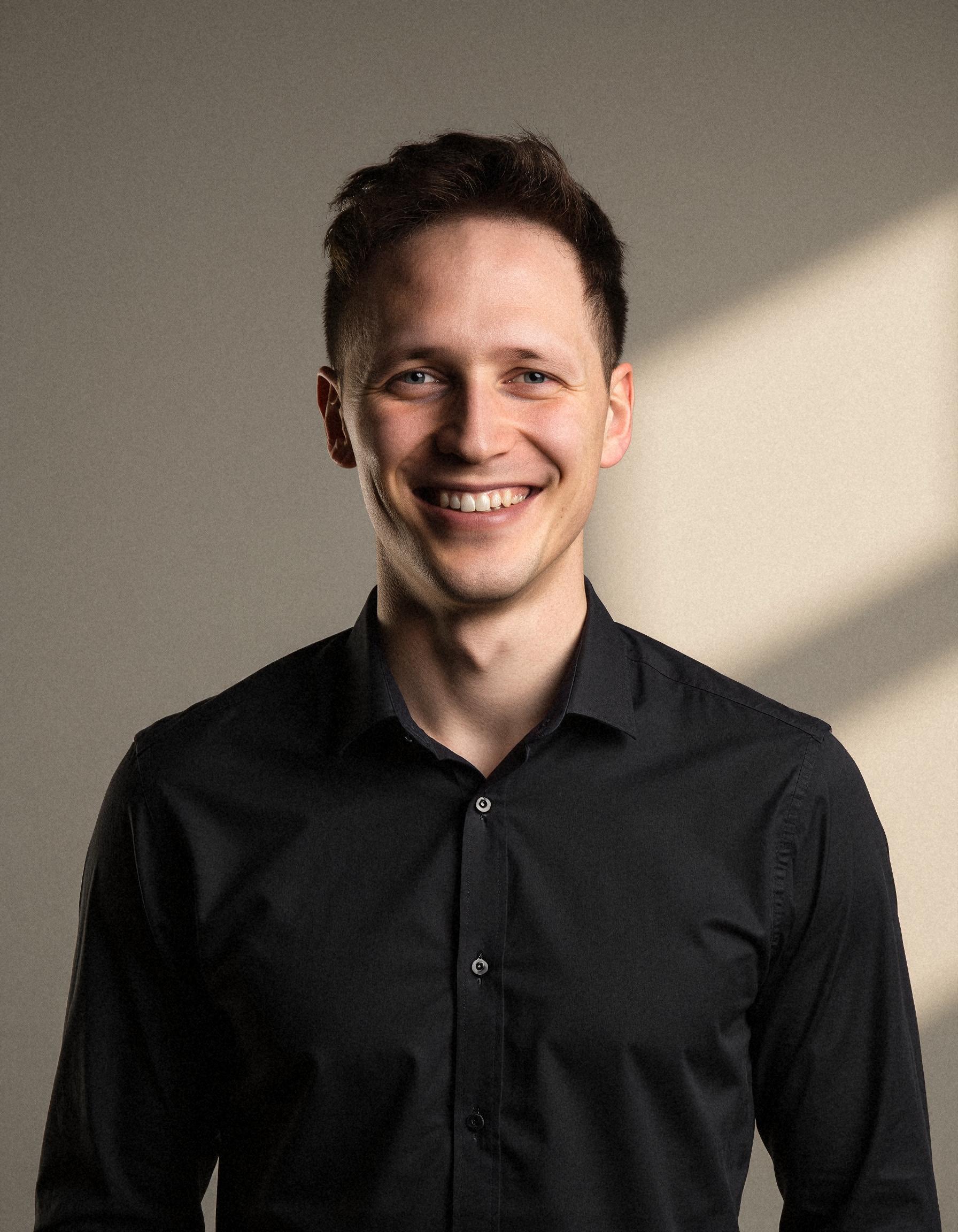
On SnapProHead, most orders complete in about 25 minutes after upload — train the model, generate the gallery, download. No calendar negotiation, no driving to a studio, no "the photographer is booked until next month."
That matters when:
- You found a role you want to apply to this week
- Your company asked for a new photo by Friday
- You are in a different city than any photographer you trust
Professional photography
Typical timeline:
- Research and book: days to weeks
- Session: 30–90 minutes
- Proof gallery: 2–7 days
- Retouched finals: another few days to two weeks
Total: often 1–3 weeks from intent to LinkedIn upload.
If you are not in a hurry, that delay is fine. If you are, it is friction — and friction is why people keep using cropped wedding photos three years too long.
Quality: where each option wins
We will be direct: AI headshots are not identical to a great photographer's work. They are good enough for a large and growing share of professional use cases — and not good enough for others.
Where photographers still lead
Micro-expression and coaching. A skilled photographer tells you to drop your shoulders, tilt slightly, breathe out. That live feedback is hard to replicate from selfies alone.
Skin texture and print scale. High-end retouching for billboards, annual reports, or magazine profiles preserves pore-level detail in ways many AI pipelines still smooth away.
Absolute consistency across a team. Eight executives shot the same afternoon, same light, same backdrop — AI can get close, but matching is manual unless you standardize prompts carefully.
You hate cameras. Some people relax only with another human in the room. If every selfie makes you tense, AI training photos may inherit that stiffness.
Where AI headshots hold their own
LinkedIn and email avatars. Recruiters view your photo at thumbnail size. Sharp eyes, even light, and a neutral background matter more than whether the pores are museum-grade.
Volume for testing. Forty to one hundred options means you can pick a calm smile for LinkedIn, a slightly wider crop for your website, and a warmer look for a conference bio — without booking a second session.
Remote and international workers. If the best photographer in your city is a flight away, uploading selfies from your apartment is a practical path to a polished result.
Frequent refresh. Haircut, new glasses, weight change, industry pivot — AI makes "update the headshot" a lunch-break task instead of a quarterly project.
What recruiters and clients actually notice
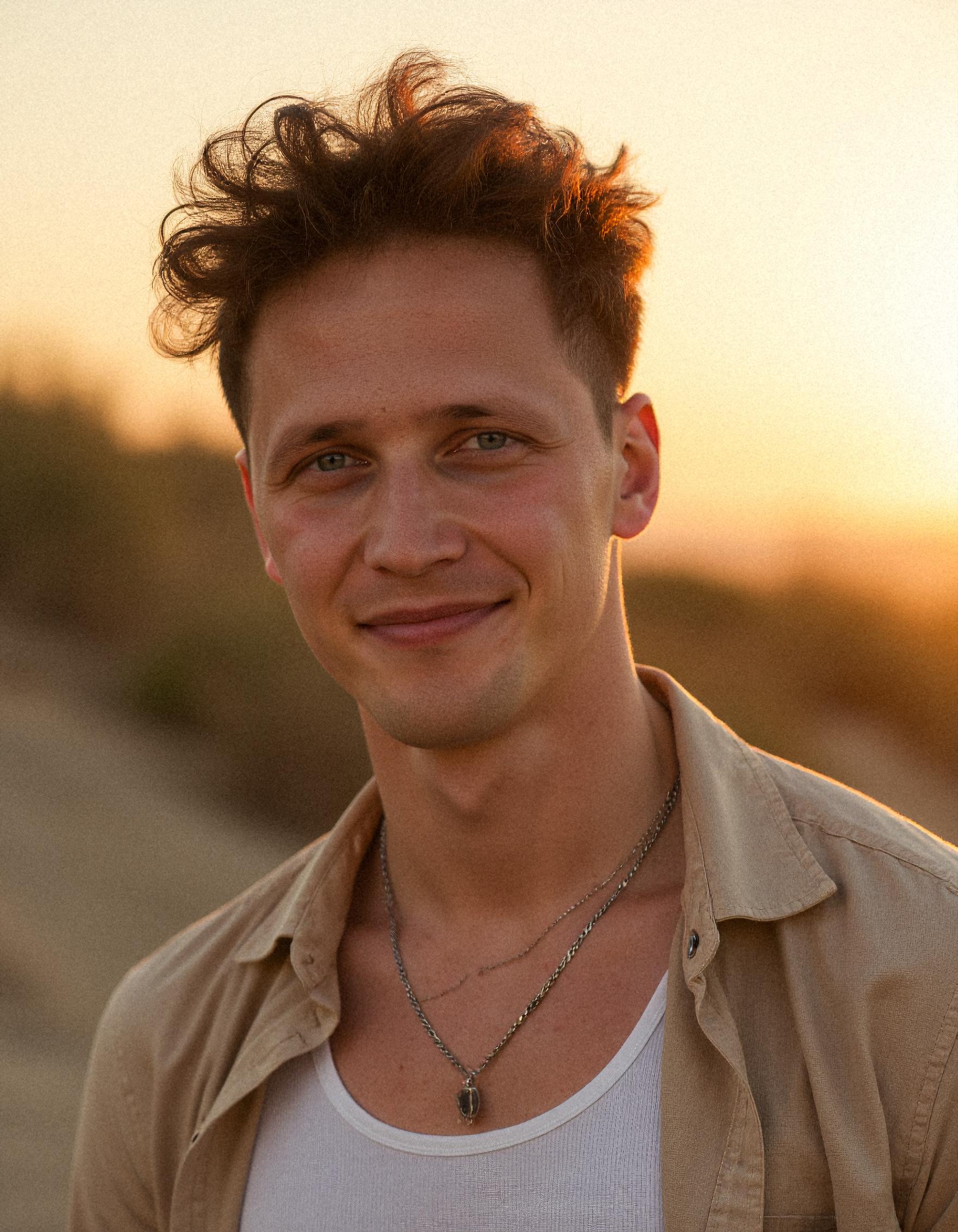
We are not recruiters, but we talk to a lot of users who are — and we read the same advice hiring teams publish. In 2026, the pattern is stable:
- Is the face clear and recent?
- Does this person look approachable for the role?
- Is the background distracting?
- Does the photo match the rest of the profile?
Very few hiring managers zoom in to judge whether the catchlight in your left eye was placed by a human retoucher. Many do notice a dark bathroom selfie, a sunglasses crop, or a group photo from 2019.
That is why AI headshots trained on your real face have moved from novelty to normal on LinkedIn — provided the output still looks like you. For platform-specific framing, see our LinkedIn profile picture guide.
When AI can hurt you
- Results that do not look like you — colleagues should recognize you on a video call
- Over-smoothed "plastic" skin that reads as fake at full size
- Wrong wardrobe for your industry (beach blur for a banking analyst)
- Using AI to invent a face you do not have — that crosses from polish into misrepresentation
If your batch has likeness issues, pick the closest matches, upload better selfies, or try a different service. A bad AI headshot is worse than a decent selfie.
Privacy and data handling
Photography privacy is interpersonal: the studio keeps your files according to their policy; you trust them.
AI privacy is contractual: where uploads live, how long they are stored, whether they train global models on your face.
Questions to ask any AI headshot provider (including us):
- How long are upload selfies kept?
- Are generated images stored after download?
- Can you request deletion by email?
- Is there a published retention policy?
SnapProHead states a privacy-first approach: photos used only for your order, deletion on request, and a refund policy if results are not usable. Read the details before you upload anywhere — photographer or AI.
Side-by-side decision table
| Your situation | Better fit |
|---|---|
| Job search starts Monday; photo is 4 years old | AI |
| Firm-wide partner photos, matching specs | Photographer (often) |
| Remote worker, no local studio you trust | AI |
| Press kit / large-format print | Photographer |
| Need 30+ options to choose from | AI |
| You freeze in front of phone cameras | Photographer (coaching helps) |
| Budget under $75 | AI |
| Annual report, billboard, luxury brand campaign | Photographer |
| Consultant refreshing LinkedIn quarterly | AI |
| First headshot ever; unsure what "good" looks like | Either — AI is lower-risk to try |
Industry guides if you want role-specific nuance: lawyers, doctors, realtors.
Hybrid approach (what we see work in practice)
The most satisfied users we hear from often combine both:
- AI now for LinkedIn, resume, Slack, Google Workspace, and client email
- Photographer later if the company orders team shots or PR needs a print master
- AI refresh between photographer sessions when appearance changes
Think of AI as high-frequency, low-friction updates. Think of photography as low-frequency, high-craft milestones.
If you choose AI: how to get photographer-level usefulness
You will not get a photographer's coaching in the upload step. You can still maximize output:
1. Start with better selfies
Window light, plain wall, 4–10 clear photos, no filters. Mix straight-on and slight angles. Wear at least one collared or structured top. Our wardrobe guide goes deeper.
2. Pick tier by volume, not ego
- Basic ($29): 40+ headshots, 10 outfit & background sets — enough for most job seekers
- Professional ($39): 60+ images, 20 sets — popular for consultants and client-facing roles
- Executive ($59): 100+ images, 30 sets — best when you need maximum choice across channels
See current details on pricing.
3. Select like a photo editor, not a lottery player
Scroll at thumbnail size. Shortlist five. Ask one honest friend which looks most like you in person. Upload that one to LinkedIn and preview as a public visitor before you commit.
4. Keep one "source of truth" file
Same master crop for LinkedIn, company directory, and email where possible. Recognition beats variety.
If you choose a photographer: get your money's worth
- Ask for commercial usage rights in writing
- Request both tight and medium crops in delivery
- Bring 2–3 tops in solid colors (navy, grey, soft blue)
- Sleep and hydrate the day before — cheaper than retouching dark circles
- Book morning light if shooting on location outdoors
Frequently asked questions
Are AI headshots "professional enough" for LinkedIn?
For most roles, yes — if they look like you and match your industry tone. They are widely used by job seekers, founders, and remote employees in 2026. Ultra-formal contexts (some law partnerships, C-suite press) may still prefer traditional photography for certain channels.
Can I use AI headshots on my company website?
Check your employer's policy. Many companies accept employee-supplied photos for intranets and team pages if they meet brand guidelines (neutral background, business attire). Enterprise marketing teams sometimes require photographer-shot assets for the main site — ask before you upload.
Will people know my photo is AI-generated?
If likeness is strong and styling is restrained, most viewers do not scrutinize generation method at profile size. They notice quality, expression, and whether you look trustworthy. Obvious AI artifacts — waxy skin, odd jewelry, asymmetrical lapels — are what create doubt.
Is $29 AI "too cheap to be good"?
AI shifts cost from studio time to compute. Pricing reflects automation, not necessarily low quality. Cheap becomes a problem when a service hides fees, stores data unclearly, or delivers batches where half the faces are unusable. Compare vendors transparently and use refund policies when available.
Should I tip or pay more for a photographer?
Tipping is not expected in many markets, but appreciated for exceptional service. Budget for retouching add-ons only if you need them — ask to see a proof before heavy skin work.
What if I need headshots this weekend?
AI is the realistic weekend path. Most photographers do not offer same-day retouching unless you pay rush rates — if they have openings at all.
Bottom line
AI headshots vs a professional photographer is not a moral contest. It is a time, budget, and use-case decision.
AI wins on speed, volume, and price for the everyday professional photo — LinkedIn, applications, email, and solo branding. Photographers win when human direction, print scale, and team-wide visual consistency matter most.
If you are staring at an outdated profile photo and keep postponing a studio booking, starting with AI is reasonable — not a compromise. Pick a service with clear privacy terms, upload decent selfies, and choose the image that looks like you on your best workday.
When you are ready to try the AI path, create your headshots with SnapProHead — from $29, ~25 minutes, and enough options that you are not stuck with the one frame a photographer happened to like. And if you later book a studio session, you will already know which angles and expressions work for your face — that is not wasted money either.
Read next
SnapProHead vs Aragon AI: Honest 2026 Comparison (Price, Speed & Quality)
SnapProHead vs Aragon AI side-by-side — compare pricing, turnaround time, image quality, privacy, and value per dollar. Find which AI headshot tool fits your needs.
Read article
What to Wear for AI Headshots in 2026: Colors, Layers, and Industry Tips
A practical wardrobe guide for AI headshots — what colors photograph well, what to wear when uploading selfies, and how to pick outfits by industry without looking overstyled or generic.
Read article