AI Headshots for Teams: Complete Guide for 2026
How to roll out AI headshots for teams of 5-500. Compare HeadshotPro, SnapProHead, and BetterPic for team features, pricing, and logistics.
By SnapProHead Team
Getting professional headshots for your entire team used to be a logistical nightmare. Book a photographer for a day, coordinate 10 calendars, hope nobody is out sick, and pray the lighting is consistent when your new hire joins three months later. Then do it all again next year when the company rebrands.
In 2026, AI headshots have made team photography dramatically simpler. Your team uploads selfies on their own schedule, and an AI model generates consistent, studio-quality headshots for everyone — matching backgrounds, matching lighting, matching professional polish. Total cost: roughly 1/10th of a traditional photography rollout.
This guide covers everything HR managers, founders, and operations leads need to know: why teams are switching to AI, how to run a smooth rollout, how vendors compare at scale, what it costs at different team sizes, and the legal and privacy questions to address before you start.
We are SnapProHead, an AI headshot tool. If you are evaluating multiple vendors, we will be honest about where we are strong and where a competitor might fit better. For broader context, see our complete guide to AI headshots and best AI headshot generators comparison.
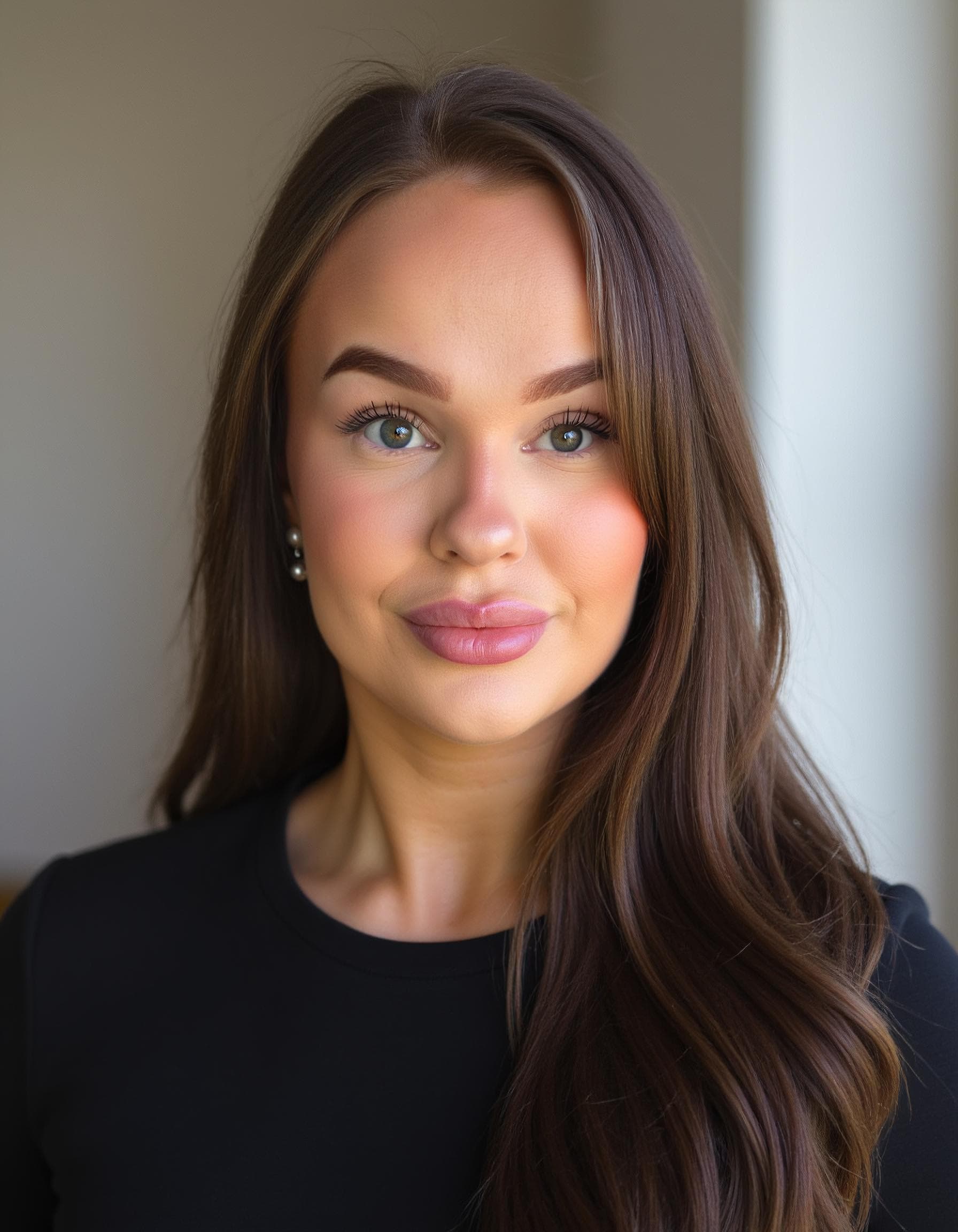
Why teams are switching to AI headshots
The reasons are simple: cost, consistency, and zero scheduling.
1. Consistent look across every team member
When a company hires a photographer for team headshots, the results are consistent — as long as everyone is photographed on the same day, in the same studio, with the same lighting. But when people join months apart, or remote employees mail in photos taken by different local photographers, the team page turns into a visual patchwork.
AI headshots solve this by design. Set a single style preset — studio gray background, navy blazer, warm key light — and every employee gets the same look, regardless of when they upload their selfies. New hire onboarding photos match the team page perfectly six months later.
2. No scheduling coordination
Coordinating a photographer for 10 people means finding a 2–3 hour window when everyone is available. For 50 people, it means booking multiple days across weeks — and someone is always traveling, on leave, or double-booked.
AI headshots are asynchronous. Each employee uploads 10–15 selfies on their own schedule — from home, in 10 minutes, using their phone. No calendar Tetris required.
3. Dramatic cost savings
| Team size | Photographer (group rate) | AI (SnapProHead Basic) | Savings |
|---|---|---|---|
| 5 | $1,000–$2,000 | $145–$295 | $855–$1,705 |
| 10 | $2,000–$4,000 | $290–$590 | $1,710–$3,410 |
| 20 | $3,600–$7,000 | $580–$1,180 | $3,020–$5,820 |
| 50 | $7,500–$17,500 | $1,450–$2,950 | $6,050–$14,550 |
| 100 | $12,500–$25,000 | $2,900–$5,900 | $9,600–$19,100 |
| 500 | $50,000+ | $14,500–$29,500 | $35,500+ |
Photographer costs estimated at group-rate volume discounts ranging from $100–$250/person. AI costs based on SnapProHead Basic ($29) and Executive ($59) tiers. See full pricing for current rates.
For a 50-person company doing an annual headshot refresh, switching to AI saves $6,000 to $14,500 per year — year after year. For a 500-person enterprise, the annual savings exceed $35,000 just in direct costs, before counting the time saved on scheduling and logistics.
4. Easy updates and refreshes
AI headshots make frequent updates affordable. Company rebrand? Change the style preset and re-run — no new photo sessions required. New office page? Generate new headshots with the updated look. Employees make an appearance change? A quick re-upload gets them updated photos without booking a new session.
5. Scales from 5 to 5,000 without friction
A photographer can handle 10–20 people in a day. For 100 people, you are coordinating a multi-week event. For 500 people, you are hiring multiple photographers across offices or flying a team in.
AI scales without friction. Each employee uses the same self-serve process. The marginal cost of adding the 500th person is the same as adding the 5th. No shipping equipment, no advance booking, no regional photographer vetting.
How to roll out AI headshots for your team
A successful team rollout takes thoughtful planning, not just technical execution. Here is the step-by-step process that works for teams from 5 to 500.
Step 1: Pick a style and set expectations
Before anyone uploads a selfie, decide on the look. Gather 3–5 reference images that represent the team headshot style you want — studio gray background with blazers, warm office setting, outdoor lifestyle, or a mix. Share these references with your team so everyone knows what the output should look like.
Key decisions to make upfront:
- Background style — Studio (gray/white seamless), office environment, outdoor, or industry-specific
- Clothing style — Formal (suit/blazer), business casual, or industry-specific (lab coat for medical, suit for legal)
- Framing — Head-and-shoulders, chest-up, or waist-up
- Expression — Warm smile, neutral professional, or a range
If you use SnapProHead, you select from style presets during generation. Other tools offer similar style selection. Lock the style preset across your team for visual consistency.
Step 2: Create a selfie submission guide
The #1 reason AI headshots fail at the team level is poor input photos. Send every team member a clear checklist before they upload:
Required:
- 10–15 selfies from different days within the last month
- Rear camera only (not front-facing selfie camera)
- Good natural lighting (window light) or even indoor light
- Face clearly visible — no sunglasses, no hats, no heavy filters
- Multiple angles: straight-on, slight left turn, slight right turn
- Neutral to slight smile, some variation in expression
- Solo photos only — no group shots
Avoid:
- Blurry or grainy photos
- Overhead harsh lighting (casts unflattering shadows)
- Heavy makeup filters, beauty mode, portrait mode blur
- Tank tops, graphic t-shirts, or overly casual clothing
- Photos older than 3 months
- Black-and-white or heavily filtered images
Pro tip: create a one-page PDF or Slack message with good-vs-bad example photos. People learn faster from visuals than from bullet points.
For more detailed selfie guidance, share our LinkedIn profile picture guide, which covers selfie best practices in depth.
Step 3: Set up the collection process
How your team submits selfies depends on team size and your tool choice.
For teams of 5–20: Individual accounts work. Each person creates their own account on the AI headshot tool (SnapProHead, HeadshotPro, or BetterPic), uploads selfies, and generates their batch. Reimburse via expense reports or use a shared company card.
For teams of 20–100: A centralized process saves time. Designate one person (HR coordinator, office manager, or ops lead) to manage the rollout. They create accounts or use a bulk management dashboard (some tools offer team-specific features), distribute the selfie guide, set a deadline, and track completion.
For teams of 100+: Enterprise-grade tools with admin dashboards become essential. HeadshotPro offers the most mature team management features, including bulk upload, progress tracking, and style lock. For companies using SnapProHead, a lightweight process works well: distribute the guide, set a deadline, and have employees self-serve with reimbursement.
Step 4: Quality review and approval
Do not assume every batch will be perfect. Build a lightweight approval step into your process:
- Self-review first — each team member reviews their batch and picks 3–5 favorites
- Peer review — optionally, a colleague confirms the chosen photo "actually looks like you"
- HR/marketing review — a designated person checks for consistency: Do backgrounds match? Is the overall look cohesive? Are any photos obviously lower quality than the rest?
Most batches will produce 5–10 strong photos. If someone's results are off, the root cause is almost always the input selfies — not the AI. Guide them to re-upload with better photos (better lighting, clearer angles, more variety). Most AI tools include satisfaction guarantees or free redos.
Step 5: Use the headshots everywhere
Once approved, put the headshots to work:
- Company website — About Us, Team, and Leadership pages
- LinkedIn — encourage team members to update their profile photos
- Email signatures — consistent headshots across the company looks polished
- Conference badges and speaker bios — use the same photo for consistent branding
- Internal directory (Slack, Teams, HRIS) — updated photos for tools everyone uses daily
- Sales collateral — pitch decks, proposal templates, and client portals

AI headshot vendor comparison for teams
Not every AI headshot tool is built for team use. Here is how the leading options compare when outfitting groups of people.
HeadshotPro
Best for: Large enterprise teams with HR-driven rollouts.
HeadshotPro has invested heavily in team and corporate features: admin dashboards, bulk management, style locking, and progress tracking. Their volume pricing is competitive, and the admin experience is the most mature in the market.
Limitations for SMBs: The team-oriented features can feel like overhead for smaller groups. Individual pricing is comparable to other tools, but the real value unlocks at 50+ seats. If your team is 5–20 people, the admin features may not justify the premium.
SnapProHead
Best for: SMBs, startups, and value-focused teams that want maximum output per dollar.
SnapProHead delivers the most headshots per dollar in the AI headshot market. At $29 for 40+ professional headshots, a 10-person team refresh costs $290 total — the most affordable option for cost-conscious organizations. Output is delivered in approximately 25 minutes per batch.
Team-specific strengths: SnapProHead's value is strongest for SMBs and startups where budget matters and processes are lightweight. For teams that do not need an enterprise admin dashboard and just want high-quality, consistent headshots at the lowest cost, SnapProHead is the strongest value play.
Current team limitations: SnapProHead does not currently offer a dedicated team dashboard with bulk management or style locking. Teams manage rollouts through individual accounts, shared style presets, and lightweight internal coordination. For organizations that require enterprise-grade admin controls, HeadshotPro may be a better fit.
For a detailed head-to-head comparison, read SnapProHead vs HeadshotPro.
BetterPic
Best for: Premium brand experiences and teams that prioritize a polished user experience.
BetterPic positions itself as a premium AI portrait service with a guided, polished user experience. Their onboarding and checkout flow is the most consumer-friendly in the market, and their output styling leans toward premium, editorial-quality portraits.
Limitations for cost-conscious teams: BetterPic's plans are typically priced higher than budget entrants. For a 50-person team, the premium over SnapProHead or HeadshotPro can be significant. BetterPic is the right choice for teams where brand presentation matters more than per-seat cost — but not the most economical option for teams optimizing for budget.
Vendor comparison at a glance
| SnapProHead | HeadshotPro | BetterPic | |
|---|---|---|---|
| Entry price per seat | $29 | ~$29+ | ~$35+ |
| Headshots per batch | 40+ | Varies by plan | Varies by plan |
| Turnaround | ~25 minutes | ~10–60 minutes | ~1 hour |
| Team admin dashboard | Not currently offered | Yes (mature) | Limited |
| Style locking | Manual (share presets) | Built-in | Manual |
| Bulk management | Self-serve | Built-in | Limited |
| Best team size | 5–100 (SMBs, startups) | 50–500+ (enterprise) | 5–50 (premium, brand-focused) |
| Team pricing | Individual plan rates | Volume discounts available | Individual plan rates |
| Privacy | Delete on request | Varies by plan | Varies by plan |
Features and pricing as of June 2026. Confirm on each vendor's website. See best AI headshot generators for broader market comparison.
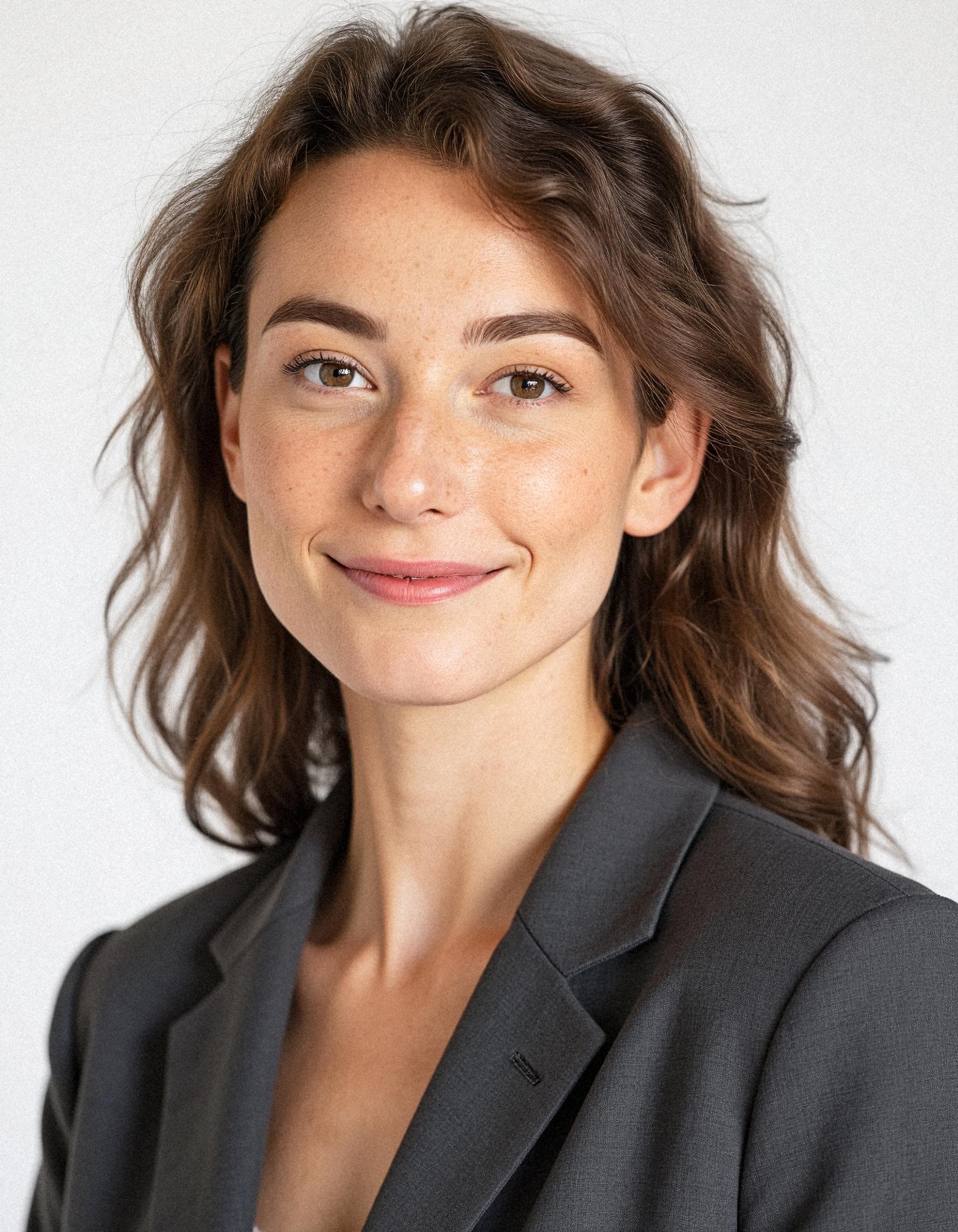
Pricing at scale: what AI headshots cost by team size
AI headshot pricing is transparent — you pay per person per batch. Here is what SnapProHead costs at common team sizes, and how it compares to traditional photography.
SnapProHead pricing by team size
| Team size | Basic ($29/person) | Professional ($39/person) | Executive ($59/person) |
|---|---|---|---|
| 5 | $145 | $195 | $295 |
| 10 | $290 | $390 | $590 |
| 20 | $580 | $780 | $1,180 |
| 50 | $1,450 | $1,950 | $2,950 |
| 100 | $2,900 | $3,900 | $5,900 |
| 200 | $5,800 | $7,800 | $11,800 |
| 500 | $14,500 | $19,500 | $29,500 |
All prices in USD. Each plan includes the headshot count listed in the pricing section above, full commercial rights, and satisfaction guarantee.
Which tier for which team?
- Basic ($29/person): Startups and small teams that need a budget-friendly refresh. 40+ headshots per person is more than enough — most people find 5–10 favorites.
- Professional ($39/person): Mid-size companies that want more style variety and more photos to choose from. Ideal for teams where roles vary (some need formal, some need casual).
- Executive ($59/person): Leadership teams, consulting firms, and client-facing organizations where headshots appear in high-visibility contexts. 100+ photos per person gives maximum variety.
Annual cost projection
Most companies refresh team headshots every 12–24 months. Here is what an annual refresh (once per year at Basic tier) costs over 3 years across approaches:
| Team size | Photographer (annual) | AI (SnapProHead Basic, annual) | 3-year savings with AI |
|---|---|---|---|
| 10 | $2,000–$4,000 | $290 | $5,130–$11,130 |
| 50 | $7,500–$17,500 | $1,450 | $18,150–$48,150 |
| 100 | $12,500–$25,000 | $2,900 | $28,800–$66,300 |
| 500 | $50,000+ | $14,500 | $106,500+ |
For a 100-person company, switching to AI headshots and refreshing annually saves $28,800 to $66,300 over 3 years — enough to fund another HR initiative, a team offsite, or a significant marketing campaign.
Additional costs to budget for
- Redos: None with a satisfaction guarantee. SnapProHead includes free redos if results are not satisfactory.
- New hire onboarding: Add $29–$59 per new hire going forward. Budget accordingly — if you hire 20 people per year, that is $580–$1,180 annually.
- Style changes: If you rebrand mid-year and need new backgrounds for everyone, budget for a full re-run at the same per-person rate.
HR and legal considerations
Rolling out AI headshots for a team is straightforward — but there are a few HR and legal questions to address before launching.
Employee consent
Do not assume everyone is comfortable with AI-generated headshots. Send a clear explanation of:
- What AI headshots are — generated images trained on selfies, not filters or face-swaps
- How selfies will be used — only for generating their headshot batch, not for training shared models
- Data handling — where selfies are stored, how long, and who has access
- Opt-out option — employees should be able to choose a traditional photographer if they prefer
A simple email or Slack message before launch prevents confusion and pushback.
Example message to send to your team:
Hi team — we are rolling out AI headshots for our website refresh. Here is how it works: you upload 10–15 recent selfies, and an AI tool generates 40+ professional headshots in different outfits and backgrounds. You pick your favorites. The AI only uses your selfies for your batch — they are deleted on request and not used for anything else. This is optional — if you prefer to use a traditional photographer, that works too. Let me know if you have questions.
Data privacy and vendor selection
Your team's selfies are personal data. The AI headshot vendor you choose inherits the responsibility of handling them appropriately. Key questions to ask any vendor:
- Data retention: How long are uploaded selfies stored? Can we request deletion?
- Training use: Are employee selfies used to train AI models for other customers?
- Third-party sharing: Are images shared with affiliates, partners, or subcontractors?
- Data Processing Agreement (DPA): Will the vendor sign a DPA if required by your compliance team?
- Security certifications: SOC 2, ISO 27001, or equivalent?
- Storage location: Where are photos stored geographically? GDPR implications?
SnapProHead's privacy posture: Delete-on-request model. Selfies are used only for the individual's headshot batch. Not used to train shared models. Deletion requests honored promptly. For regulated industries requiring a DPA, contact our team before purchasing. See our full privacy policy.
GDPR and international teams
If your team spans the EU, ensure your AI headshot vendor can process data in compliance with GDPR:
- Legal basis: Employee consent is typically the basis, with clear opt-out language
- Data transfer: If the vendor is US-based, check for Standard Contractual Clauses (SCCs) or equivalent safeguards
- Right to deletion: The vendor should honor deletion requests within GDPR timeframes (30 days)
- Data minimization: The vendor should collect only the selfies needed for headshot generation
Discuss with your legal or compliance team if you operate in a regulated industry or have a multinational workforce.
Industry-specific compliance
Certain industries have additional requirements:
- Finance and banking: Some firms require vendor risk assessments and DPAs. Check with your compliance team.
- Healthcare (HIPAA): AI headshots typically do not involve PHI, but confirm with your compliance officer.
- Legal: Bar association rules on advertising and professional representation may apply. Most AI headshots meet requirements, but verify.
- Public companies: Some require photographer-vetted portraits for official filings (annual reports, SEC documents). AI headshots for website and LinkedIn use are typically fine.
Usage rights and commercial licensing
Ensure the AI headshot tool grants full commercial rights — your company needs to use the photos on its website, in marketing materials, and in internal directories without additional fees. SnapProHead includes full commercial rights on all plans. Confirm this with any vendor before purchasing.
ROI example: a 50-person SaaS company
To make the numbers concrete, here is a real-world-style analysis for a hypothetical 50-person B2B SaaS company refreshing team headshots for a website redesign.
Traditional photography scenario
| Cost item | Amount |
|---|---|
| Photographer for 50 people (group rate $175/person) | $8,750 |
| Makeup and styling for leadership (5 execs at $150 each) | $750 |
| Scheduling coordination (HR lead, ~15 hours at $50/hour) | $750 |
| Wardrobe purchases by team (estimated $50/person average) | $2,500 |
| Parking and incidentals ($15/person average) | $750 |
| Reshoot for 3 people who missed session day | $525 |
| Total | $14,025 |
Also: 2–3 months of scheduling coordination. Leadership team spent a full afternoon at the studio. Three employees were sick on photo day and needed rescheduled sessions. Total organizational time: roughly 100+ hours across the company.
AI headshot scenario (SnapProHead Basic)
| Cost item | Amount |
|---|---|
| AI headshots for 50 people at $29/person | $1,450 |
| HR coordinator time (~5 hours at $50/hour for guide + tracking) | $250 |
| Redo for 2 people (covered by satisfaction guarantee) | $0 |
| Total | $1,700 |
Total time: Each employee spent ~15 minutes uploading selfies. HR coordinator spent ~5 hours on the rollout. Total organizational time: roughly 20 hours.
The ROI
| Metric | Photographer | AI | Difference |
|---|---|---|---|
| Direct cost | $14,025 | $1,700 | $12,325 saved (88% less) |
| Organizational time | ~100 hours | ~20 hours | 80 hours saved |
| Time to complete | 2–3 months | ~1 week | Months faster |
| Photos per person | 3–5 | 40+ | 10× more options |
| Background consistency | High (one session) | High (one preset) | Equivalent |
| New hire onboarding | Batch sessions every quarter | Anytime — self-serve | Instant |
This 50-person company saves $12,325 and 80 hours of coordination time by choosing AI headshots over traditional photography — every single refresh cycle. And they get more photos per person and faster new hire onboarding as bonus benefits.
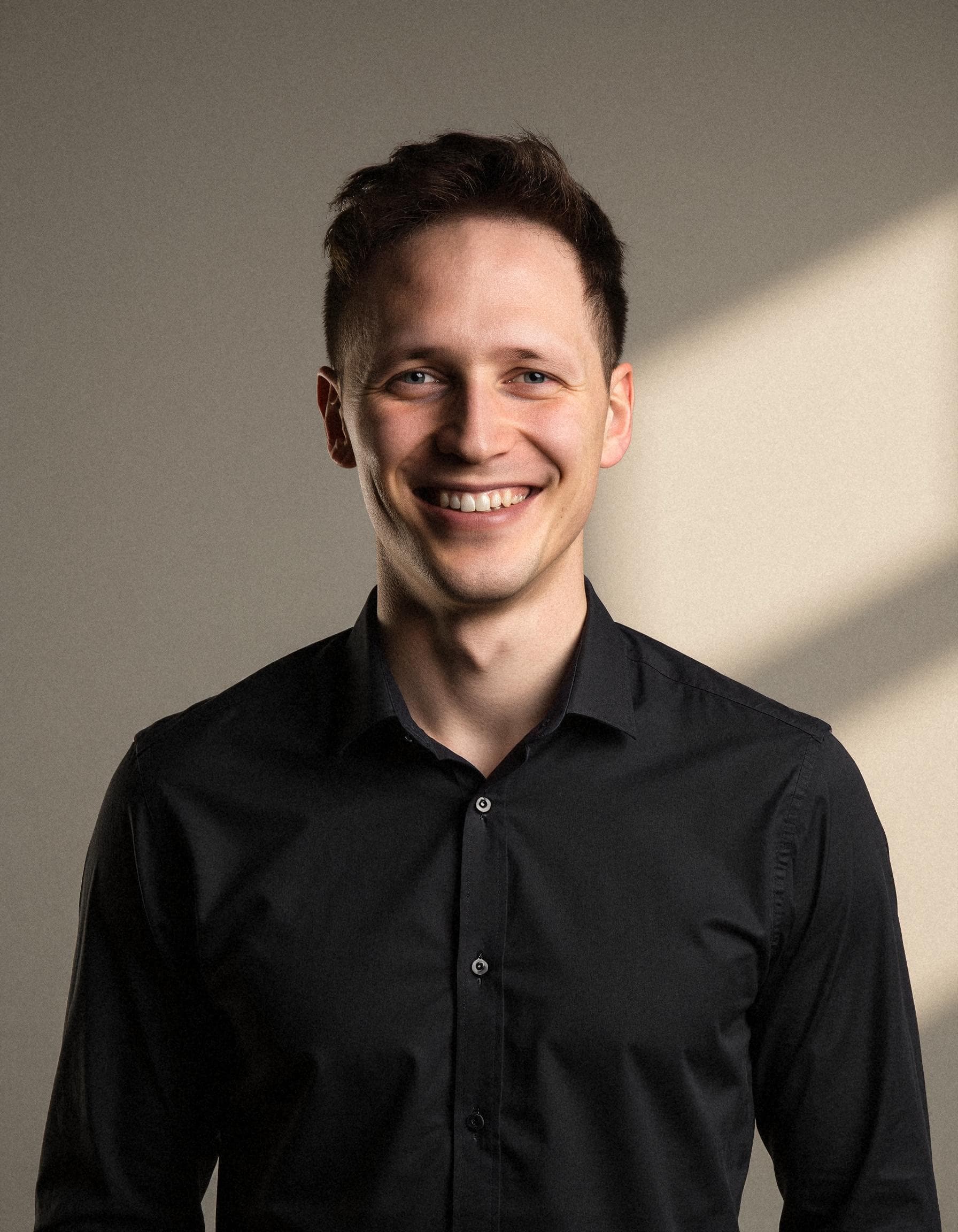
Common team rollout mistakes (and how to avoid them)
Mistake 1: Not giving clear selfie instructions
Teams that send a one-line Slack message ("Upload some selfies here") get inconsistent results. Take 15 minutes to write a clear guide with examples. Better selfies = better headshots. One bad batch for a VP means rework and awkward follow-ups.
Mistake 2: No style pre-selection
If every team member picks their own style, the result is a visual patchwork — some people in suits on gray, others in casual wear on outdoor backgrounds. Designate one person to pick the style preset and communicate it clearly. Consistency is the whole point of a team rollout.
Mistake 3: Rushing the deadline
People procrastinate on headshots. Send reminders. Set a firm deadline. Follow up individually with people who have not submitted. A realistic timeline for a 50-person team is 1–2 weeks from announcement to completion, with buffer for stragglers.
Mistake 4: Skipping the approval step
One person with an overly retouched or obviously AI-looking photo makes the entire team page look suspect. Build in a quick review step. It takes 30 seconds per person and catches 95% of issues before they go live.
Mistake 5: Not planning for new hires
Your team page will look immediately outdated if every new hire posts a selfie for their first month. Standard operating procedure: include AI headshot onboarding in your HR checklist. Day one: send the selfie guide. Day three: remind. Day five: generate.
Mistake 6: Using a tool without a satisfaction guarantee
Batch AI headshots are not 100% perfect every time. If 3 people out of 50 get subpar results, a satisfaction guarantee means redos at no additional cost. Without it, you pay again. Check this policy before committing.
Frequently asked questions
Are AI headshots good enough for a company website team page?
Yes. Modern AI headshots at 1024×1024 resolution are indistinguishable from studio portraits at typical website display sizes. The key to success on a team page is consistency — and AI excels at producing uniform backgrounds, lighting, and styling across dozens or hundreds of people. Browse real examples to see team-style results.
How much do AI headshots cost for a team?
AI headshots for teams cost $29–$59 per person depending on the tier you choose. A 10-person team refresh costs $290–$590. A 50-person refresh costs $1,450–$2,950. Traditional photography for the same teams costs $2,000–$4,000 (10 people) and $7,500–$17,500 (50 people). See SnapProHead pricing for current rates.
Which AI headshot tool is best for teams?
It depends on team size and priorities. HeadshotPro offers the most mature team admin dashboard and is best for 50+ person enterprise rollouts. SnapProHead delivers the most headshots per dollar and is the strongest value for SMBs and startups wanting maximum output at minimum cost. BetterPic offers a premium experience for brand-focused teams. See our full comparison for detailed reviews.
How do we ensure every team member's headshot looks consistent?
Pick one style preset and communicate it clearly: same background (studio gray or office), same clothing style (blazer or business casual), same framing (chest-up or head-and-shoulders). Designate one person to review all batches for consistency before publishing to the team page. Tools with style locking (HeadshotPro) automate this; with SnapProHead, you coordinate it manually.
What if some team members get poor results?
Poor results almost always trace back to input selfies — blurry photos, harsh lighting, too few angles. Guide the team member to re-upload with better selfies: clear sharp photos, 10–15 varied shots, good natural light, rear camera. Most AI tools include a satisfaction guarantee for free redos. With a structured selfie guide upfront, the redo rate should be under 10%.
Is employee consent required for AI headshots?
Yes. Send a clear explanation of the process, data handling, and opt-out option before launching. Employees should understand their selfies are used only for their headshot batch, can be deleted on request, and are not used to train shared models. An opt-out path (use a traditional photographer instead) builds trust. See the sample message in the HR considerations section above.
How do we handle new hire headshots after the initial rollout?
Add AI headshot onboarding to your HR checklist. On day one, send new hires the selfie guide and a link to the AI headshot tool. On day three, follow up. New hires generate their own batch (expense and reimburse, or use a company card). Because AI headshots use a shared style preset, new hire photos match the existing team page perfectly — no photographer session needed.
Can AI headshots handle diverse teams?
Yes. Modern AI headshot models are trained on diverse datasets and produce accurate, professional results across skin tones, hair types, and facial features. Quality depends primarily on input selfie quality — clear, well-lit photos produce strong results regardless of appearance. Review results individually to confirm likeness accuracy.
What if our company needs to sign a Data Processing Agreement (DPA)?
Some industries (finance, healthcare, legal, enterprise) require DPAs or vendor risk assessments. Check with your compliance team before selecting a vendor. SnapProHead supports DPA requests for team accounts — contact us before purchasing to discuss requirements. Not all AI headshot vendors offer DPAs, so verify this during vendor evaluation.
How long does a team rollout take from start to finish?
A 50-person team rollout with SnapProHead takes approximately 1–2 weeks from announcement to completed headshots. Week one: send the selfie guide, set the deadline, and answer questions. Week two: track completions, follow up with stragglers, and review results. Most employees spend 15 minutes uploading selfies and 25 minutes waiting for their batch. Total organizational effort: roughly 5–10 hours of coordinator time.
Can we use the same AI headshots across LinkedIn, website, and email?
Yes. AI headshots include full commercial rights (confirm with your vendor). A single batch usually includes 40–100 photos, giving each employee plenty of options: a close-up for LinkedIn, a wider crop for the team page, and a clean version for email signatures. Using the same photo across platforms strengthens personal brand consistency.
Bottom line
AI headshots have made team photography dramatically more affordable and logistically simpler in 2026. For $29–$59 per person, teams of any size can get consistent, studio-quality headshots without the scheduling chaos, travel logistics, and thousand-dollar photographer bills.
The key to a successful rollout is thoughtful planning: pick a style preset before you start, give clear selfie guidelines, build in a review step, and plan for new hire onboarding. A 50-person team can go from announcement to live headshots in 1–2 weeks — compared to 2–3 months with traditional photography.
Ready to refresh your team headshots? SnapProHead starts at $29 per person for 40+ professional headshots with full commercial rights. Get started in minutes — upload selfies, pick a style, and download results in about 25 minutes. Or browse examples first to see the consistency and quality.
For team-specific headshot styles, explore our dedicated pages: corporate headshots, business headshots, startup team headshots, and executive headshots.
Related: Best AI headshot generators compared · Professional headshot cost comparison · Complete guide to AI headshots · LinkedIn profile picture guide · SnapProHead vs HeadshotPro · Corporate headshots page
Last updated: June 2026. Vendor features, pricing, and team capabilities confirmed as of June 2026. Verify on each vendor's website before purchasing for your team. Team rollout timelines are estimates based on typical organizational coordination — actual timelines vary by team size and responsiveness.
Read next
AI Headshots for Sales Professionals: Look Credible, Close More Deals
Why sales professionals need polished headshots for LinkedIn, email signatures, and company pages. AI headshots deliver 40+ studio-quality options from $29 in ~25 minutes.
Read article
The Complete Guide to AI Headshots in 2026: Everything You Need to Know
Comprehensive guide covering how AI headshots work, pricing ($29-$59), quality comparisons vs photographers, best tools, and tips for LinkedIn, corporate, and industry-specific use.
Read article